Soma Pro — Supercharge Your Website
Get the Soma Pro Addons to unlock premium demos, advanced features, sticky headers, and more.
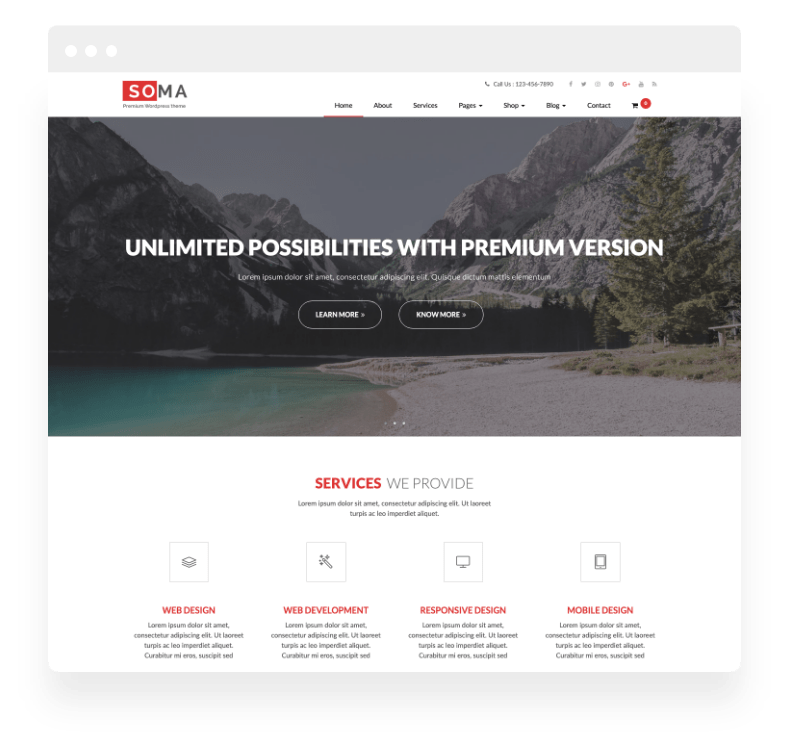
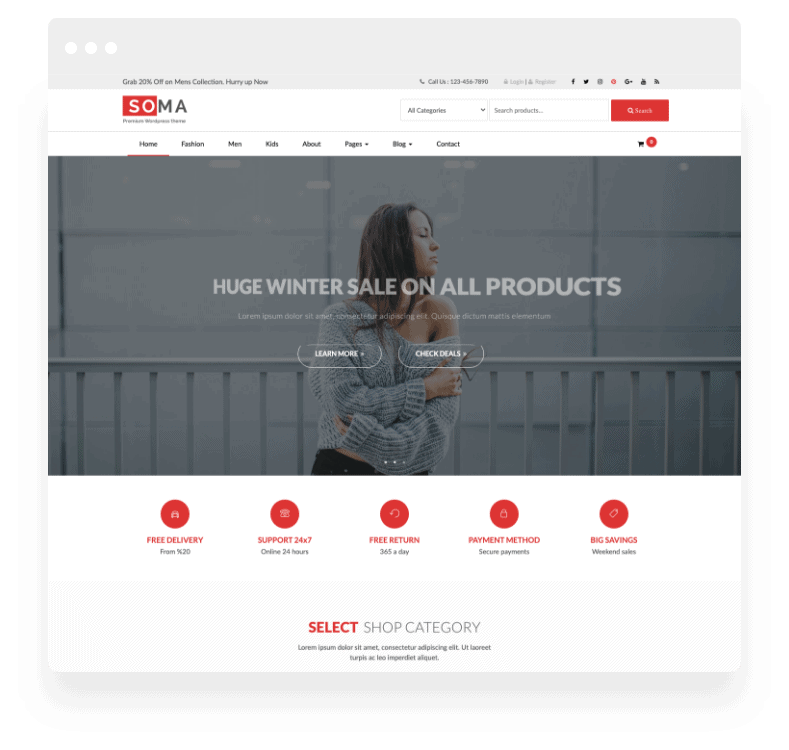
Premium Demos Included
Import any of these professional designs with a single click.
Why Go Pro?
Compare the features side-by-side. Upgrade to unlock the full potential of your store.
| Features |
Free Theme
Basic Usage
|
Pro Addons Bundle
Full Power
RECOMMENDED
|
|---|---|---|
| Core & Design | ||
|
Parallax Effect
|
||
|
Favicon, Logo, Title and Customization
|
||
|
Header Styles
|
||
|
Elementor Page Builder
|
||
|
1 Click Demo Import Feature
|
||
|
Working Contact Form
|
||
|
Google Map
|
||
|
Mobile Friendly Design
|
||
|
Sticky Header Feature
|
||
|
Background Image
|
||
|
Unlimited Color Options
|
||
|
800+ Google Fonts
|
||
|
Preloader Option
|
||
|
Extra Social Icons
|
||
|
Slider Feature
|
||
| WooCommerce Features | ||
|
Woocommerce Compatible
|
||
|
Woocommerce Products Per Row
|
||
|
Woocommerce Products Per Page
|
||
|
Woocommerce Sidebar Settings
|
||
|
Blog Sidebar Settings
|
||
| Core & Design | ||
|
Footer Credit Editor
|
||
|
Footer Columns Number Settings
|
||
|
Footer Colors Settings
|
||
|
Extra Custom Widgets
|
||
| Support & Updates | ||
|
Support Forum Access
|
Community | Priority Ticket |
|
Updates
|
Limited | Automatic (1 Year) |
| Download Free | Upgrade to Pro | |
Upgrade to Pro
One low price unlocks every current pro addons plugins and future pro addons plugins across all themes. Use on up to 3 websites. 14-Day Money Back Guarantee — see details.
Unlock every current and future pro addons plugins and themes for one low price. See Pro Options →
Frequently asked questions
Can I control how many products show per row in Soma?
Yes, with the add-on. Soma Pro (v1.11) adds WooCommerce products per row and products per page settings, so grid density can follow the catalogue instead of being fixed by the template.
What do the Soma Pro sidebar settings change?
Two separate things: WooCommerce sidebar settings for shop and product pages, and blog sidebar settings for articles. A store can keep filters beside products while the blog stays clean, without touching templates.
Is the homepage slider in Soma free?
No. The slider feature is part of the add-on, along with extra social icons, extra custom widgets, footer credit, footer column and footer colour controls. The free theme already includes parallax, header styles, contact form, Google Map, sticky header and 800+ Google fonts.
Does Soma Pro require WooCommerce?
No. The store settings only appear once WooCommerce is active; the rest of the add-on works on any Soma site, including the slider, extra widgets, social icons and footer controls.
What the Soma Pro add-ons include
Soma is the multipurpose theme in the collection, which makes the Pro bundle less about styling and more about structure. Free Soma gives you a responsive Bootstrap layout that works as a portfolio, a small business site or a blog. The add-ons let you change how that layout behaves rather than just how it looks.
The bundle adds WooCommerce layout controls — products per row, products per page, and a shop sidebar toggle — plus blog sidebar settings, an extra social icon set, and a homepage slider. For anyone running Soma with a small shop attached to a content site, the products-per-row and per-page settings are the reason to upgrade; they are the two things people end up hacking in CSS otherwise.
If you are using Soma as a plain blog or portfolio with no store, the free theme covers it and the bundle is optional. Compare on the Soma free theme page.